


User interface (UI) design has come a long way from flat, static visuals to dynamic, immersive experiences. As digital design trends evolve, 3D elements have emerged as a game-changer, adding depth, realism, and engagement to interfaces. Unlike traditional 2D designs, 3D elements enhance usability by creating a more interactive and visually appealing environment.
With advancements in web technologies, faster processing power, and improved rendering techniques, designers are now incorporating 3D elements into websites, mobile applications, and digital products to enhance user experiences. Whether through micro-interactions, realistic product previews, or immersive animations, 3D design is reshaping how users interact with digital interfaces.
In this blog, we’ll explore the impact of 3D elements in UI design, their advantages, challenges, and best practices for seamless implementation.
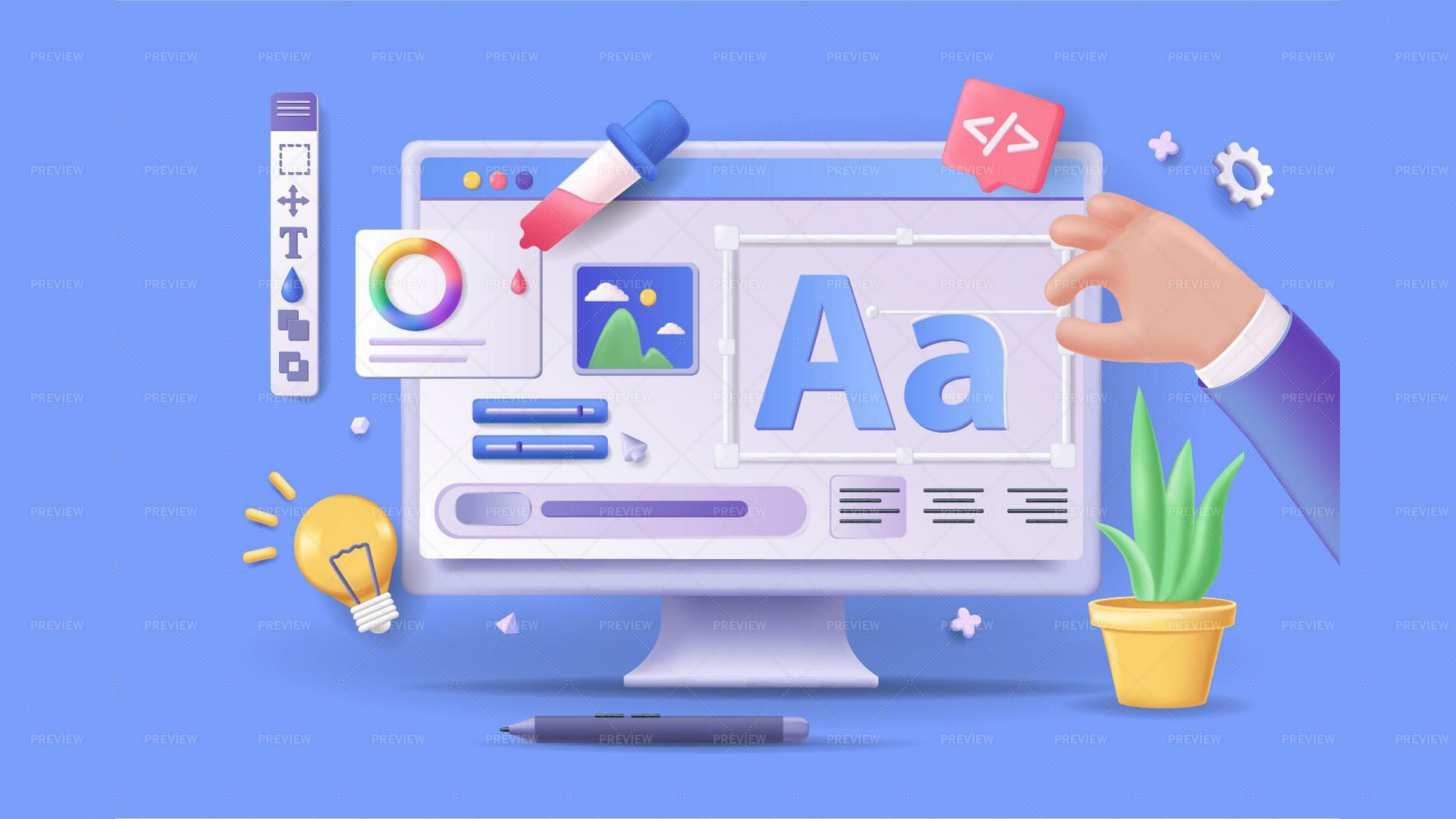
The Rise of 3D UI Design
For years, UI design was dominated by flat and material design principles, prioritizing minimalism and clarity. However, with advancements in GPU technology, WebGL, and frameworks like Three.js, 3D elements have become more accessible to designers and developers.
What is 3D UI Design?
3D UI design integrates three-dimensional objects, animations, and depth-based elements to create a lifelike digital experience. Unlike traditional flat interfaces, which rely on static icons and typography, 3D elements introduce:
- Depth and Layering: Enhancing the visual hierarchy by distinguishing elements based on their prominence.
- Realism and Interactivity: Offering lifelike textures, lighting effects, and realistic motion for a more immersive experience.
- Smooth Animations and Transitions: Adding motion dynamics to create fluid and engaging interactions.
Major brands and tech companies have started leveraging 3D UI trends to enrich digital experiences. Apple’s macOS Big Sur introduced glassmorphism—an evolution of skeuomorphism that blends blur, transparency, and layered effects. Similarly, e-commerce giants like IKEA use 3D product previews to allow customers to explore furniture from all angles before purchasing.
Key Advantages of 3D Elements in UI Design
1. Enhancing User Engagement
3D elements create a sense of depth and realism, making user interfaces more engaging. Users are naturally drawn to interfaces that feel dynamic and interactive, as opposed to flat and static designs.
For example, gaming websites often incorporate 3D hover effects, animated buttons, and interactive backgrounds to make the experience immersive. Similarly, product-based platforms integrate 3D previews and AR features to provide a hands-on feel.
2. Improving User Experience and Navigation
A well-implemented 3D interface can simplify complex information by presenting it visually rather than textually. For instance, architectural and medical applications use 3D models and spatial navigation to improve data visualization, allowing users to interact with intricate structures in real time.
In mobile apps, 3D icons and motion-based gestures guide users more intuitively through different actions, reducing confusion and increasing usability.
3. Strengthening Brand Identity
Incorporating custom 3D elements can differentiate a brand from competitors. Businesses aiming for a cutting-edge, futuristic aesthetic often use abstract 3D backgrounds, dynamic typography, and animated effects to establish a unique visual identity.
Brands like Nike and Tesla leverage 3D UI components in their digital marketing, allowing users to explore products interactively, creating an immersive shopping experience that drives conversions.
4. Making Information More Digestible
3D elements help simplify complex data visualization, making it more digestible and engaging. Data-heavy industries—such as finance, healthcare, and tech—use 3D graphs, charts, and interactive dashboards to present information in a visually compelling way.
Instead of static spreadsheets or generic bar charts, 3D elements offer dynamic, interactive infographics that allow users to explore data from different angles.
5. Increasing Accessibility with AR and VR Integration
Augmented Reality (AR) and Virtual Reality (VR) rely heavily on 3D UI design. Apps like Google Lens and Snapchat integrate AR-driven 3D interfaces, making digital interactions feel seamless and natural.
For industries like education, gaming, and real estate, integrating 3D-based AR features improves accessibility by providing immersive experiences that enhance learning and engagement.
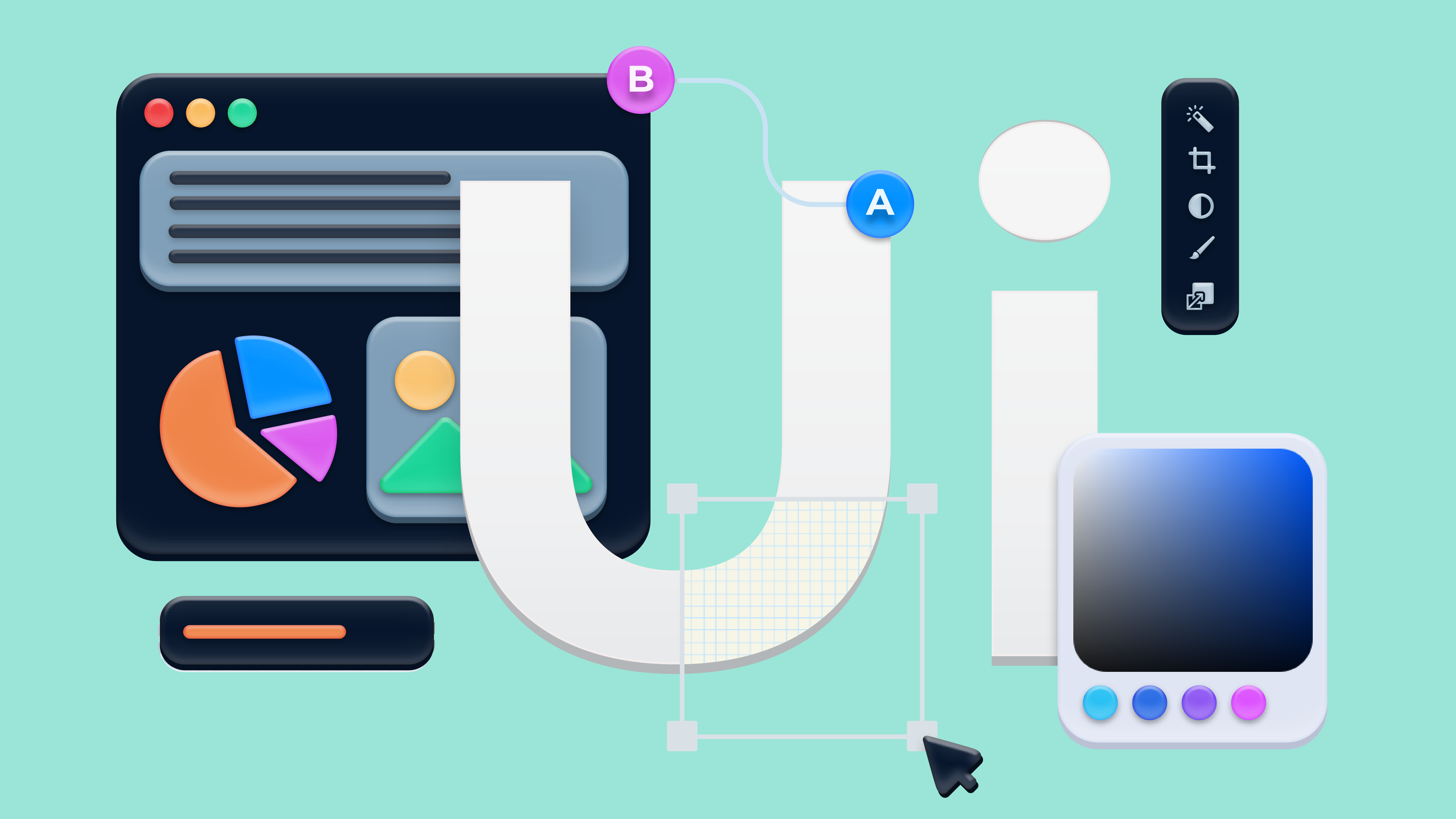
Challenges of Using 3D in UI Design
Despite its advantages, integrating 3D elements into UI design comes with challenges:
1. Performance and Loading Speed
3D graphics require higher processing power, which can slow down performance if not optimized properly. Websites and apps that use heavy 3D models and animations may suffer from longer load times, increased latency, and reduced responsiveness.
Solution: Designers should use lightweight 3D assets, optimize textures, and employ lazy loading techniques to ensure smooth performance.
2. Cross-Platform Compatibility
Not all devices and browsers support advanced 3D rendering technologies equally. Older systems may struggle with WebGL-based elements or high-poly models, leading to inconsistent UI experiences.
Solution: Implement graceful degradation or progressive enhancement to ensure fallback UI designs for lower-end devices.
3. Complexity in Development
Creating a seamless 3D interface requires expertise in 3D modeling, rendering, and scripting. Unlike 2D design, where static assets are easy to manage, 3D elements need animations, physics simulations, and real-time rendering, which adds development complexity.
Solution: Use frameworks like Three.js, Babylon.js, or Blender to streamline 3D asset creation and rendering while keeping UI manageable.
4. Usability and Overcomplication
While 3D UI can be visually stunning, overusing complex elements can overwhelm users. If interactions are not intuitive, users may struggle to navigate the interface effectively.
Solution: Balance aesthetics with functionality by ensuring 3D elements serve a clear purpose rather than just being decorative.

Best Practices for Implementing 3D UI Elements
1. Prioritize Functionality: Ensure that 3D elements enhance user experience rather than creating distractions.
2. Optimize Performance: Use lightweight textures, compress assets, and optimize animations to maintain speed.
3. Test Across Devices: Ensure compatibility on different screens, resolutions, and platforms.
4. Keep Interactions Intuitive: Design with natural user interactions in mind, avoiding excessive complexity.
5. Use 3D Sparingly: Incorporate 3D elements only where they add real value, rather than overloading the interface.
Conclusion
3D UI design has revolutionized the way users interact with digital interfaces, bringing depth, realism, and engagement into modern applications. By implementing carefully crafted 3D elements, brands can enhance user experience, improve engagement, and differentiate themselves in competitive markets.
However, it’s essential to strike a balance between innovation and usability. Overloading an interface with complex 3D components can reduce performance and accessibility. By following best practices and optimizing assets, designers can create seamless, immersive experiences that resonate with users.
As technology continues to evolve, 3D UI elements will play an even greater role in shaping the future of digital interactions—pushing the boundaries of design and functionality.
Level up your UI/UX skills! Learn to create stunning interfaces and seamless user experiences with our Advanced UI/UX Design Course. Boost your career and design products that stand out.
Enroll today at Kaarwan for more insights!
FAQs
1. Why are 3D elements becoming popular in UI design?
3D elements enhance engagement, create depth, and provide interactive experiences, making interfaces more immersive and visually appealing.
2. Do 3D UI elements affect website performance?
Yes, heavy 3D elements can impact load times, but optimizing assets and using lightweight textures can minimize performance issues.
3. How does 3D UI improve user engagement?
By making interfaces more interactive and realistic, 3D UI keeps users engaged and improves usability.
4. Is 3D UI suitable for all industries?
While gaming, e-commerce, and tech industries benefit greatly, some industries may find flat UI more practical for usability reasons.
5. What are the best tools for 3D UI design?
Popular tools include Three.js, Blender, WebGL, Babylon.js, and Adobe Aero for creating and integrating 3D elements.




